
Description
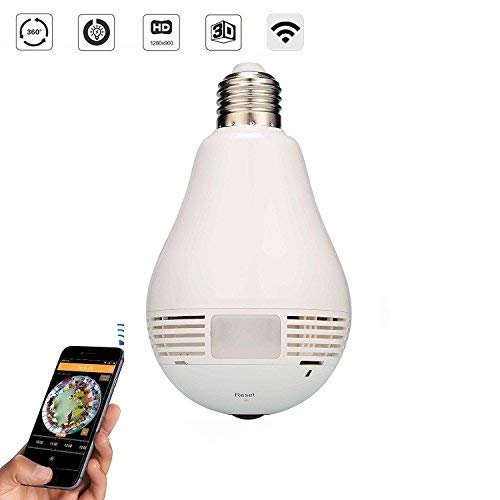
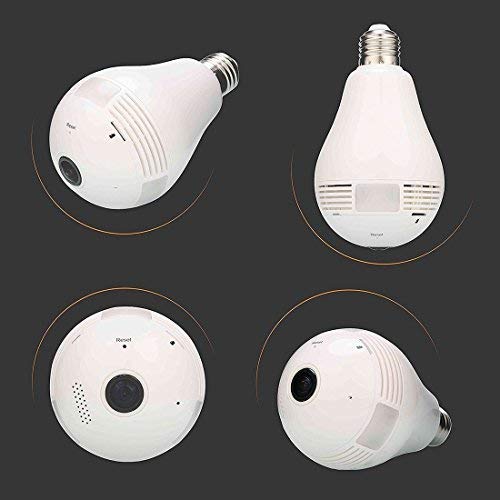
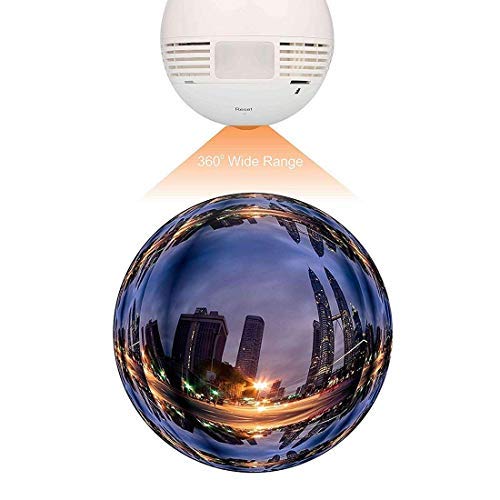
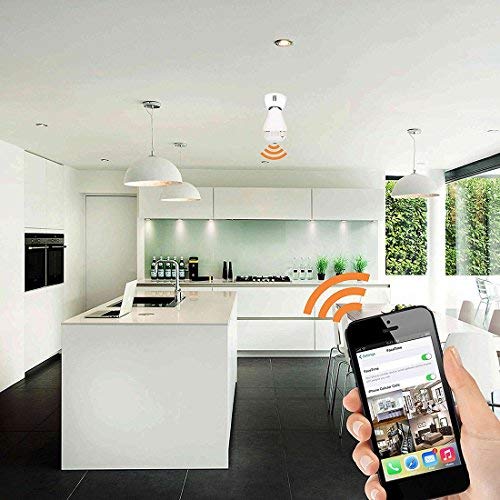
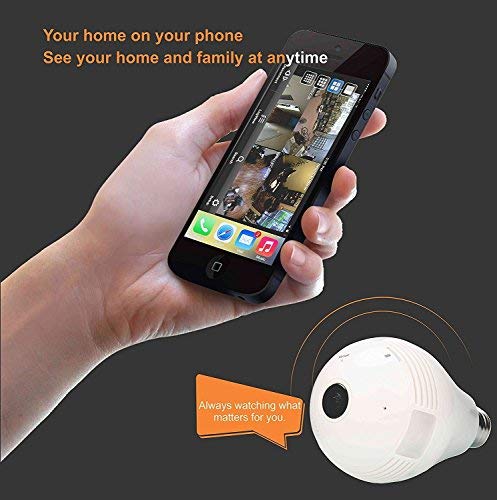
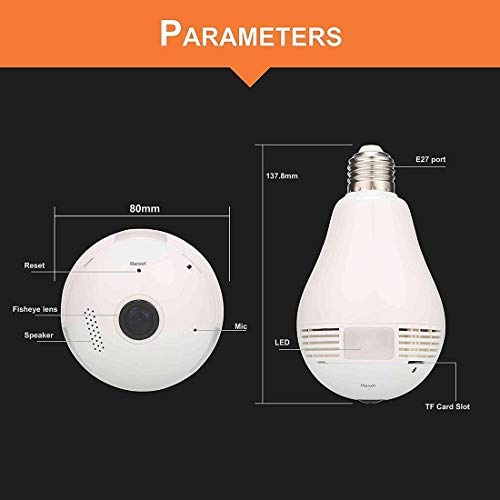
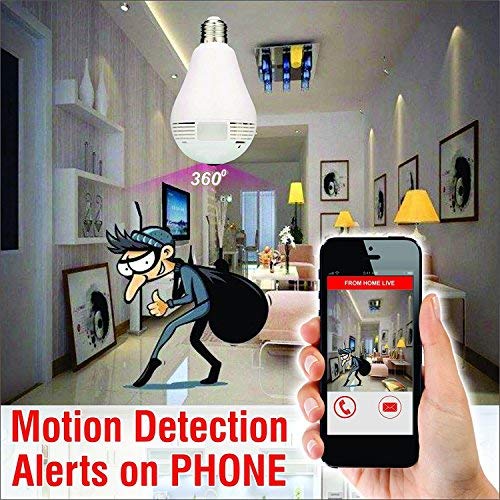
Fully function LED bulb with hidden camera. All functions of camera & LED light are controlled by mobile application
How to make the camera connect to the internet(The wifi on the connected router needs to be especially close to the router)
1.Download “V380S” or “V380” from IOS or Andriod APP store or scaning the QR code on the box
2.Electrify the camera by connecting to power source start worling ( use the reset pin to indicate voice and light will turn on)
3.Connect LAN ( AP mode): Select and connect AP signal(“MV+camera’s ID No”) in phone WLAN, NO Internet Access.
4. Add your device in the APP: Enter “V380S” and click” Local login” directly,Pull down to refresh or click “+” to add your networked device, When device indicates “LAN online”, can operate the camera int the LAN area
5.Change LAN to WLAN (station mode): Click “Set” then “Network settings”,Select “Station mode”, choose a local WIFI signal(DOES NOT SUPPORT 5G WIFI) and put password, click “save”, voice indicating “WIFI’s connected”, your device will connect the Wifi automatically. Then you can use phone though any WIFI or mobile data to remotely operate and monitor.
Reviews
There are no reviews yet.