
Description
Instructions to use the product:
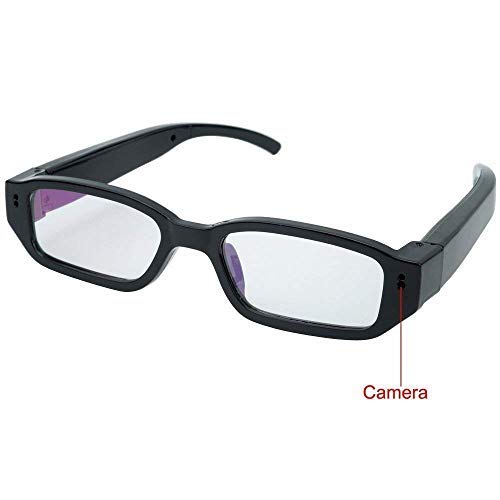
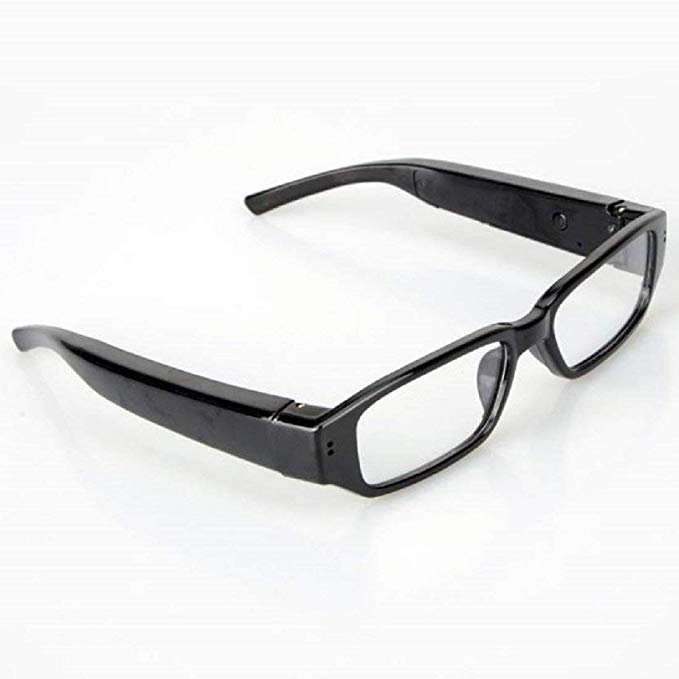
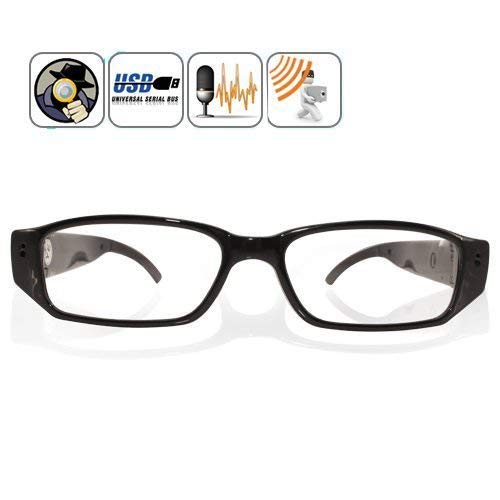
1.Kindly Open the product and keep on charge for 1 hour (charging can be done through laptop) Start Video Audio Recording : 1st insert the memory card on left hand side of the specks
2. Hold the on / off button for 3sec, red & blue light will get on than turn it to red that means stand by mode. Press that same button 3 sec again red light flashes 3 times that means recording has started.
3.To stop recording : hold the on / off button for 5 sec red & blue light flashes 2 times that means recording has stopped. Kindly switch off the Specs camera & then attach in to the computer to view the recording.
Reviews
There are no reviews yet.